How to Master HMI Programming for Optimal Automation Solutions?
The world of automation is continuously evolving. Industries increasingly rely on efficient systems. According to a recent report by MarketsandMarkets, the HMI (Human-Machine Interface) market is expected to grow from $4.4 billion in 2021 to $7.0 billion by 2026. This growth underscores the need for effective HMI programming skills to create optimal automation solutions.
The complexity of HMI programming often leads to challenges. Developing user-friendly interfaces can be daunting. Many programmers lack practical experience, which can hinder project outcomes. Effective training and hands-on practice are vital. Data from the International Society of Automation emphasizes that well-designed HMIs can reduce operational errors by up to 30%. This statistic highlights the importance of mastering HMI programming.
Successful automation relies on intuitive user engagement. Poor HMI design often results in frustration and inefficiency. Programmers must continuously evaluate their approaches. Understanding user needs is crucial for effective programming. Emphasizing the human aspect of HMI can turn potential failures into success stories. As automation technology advances, so must the skills of those who program these interfaces.
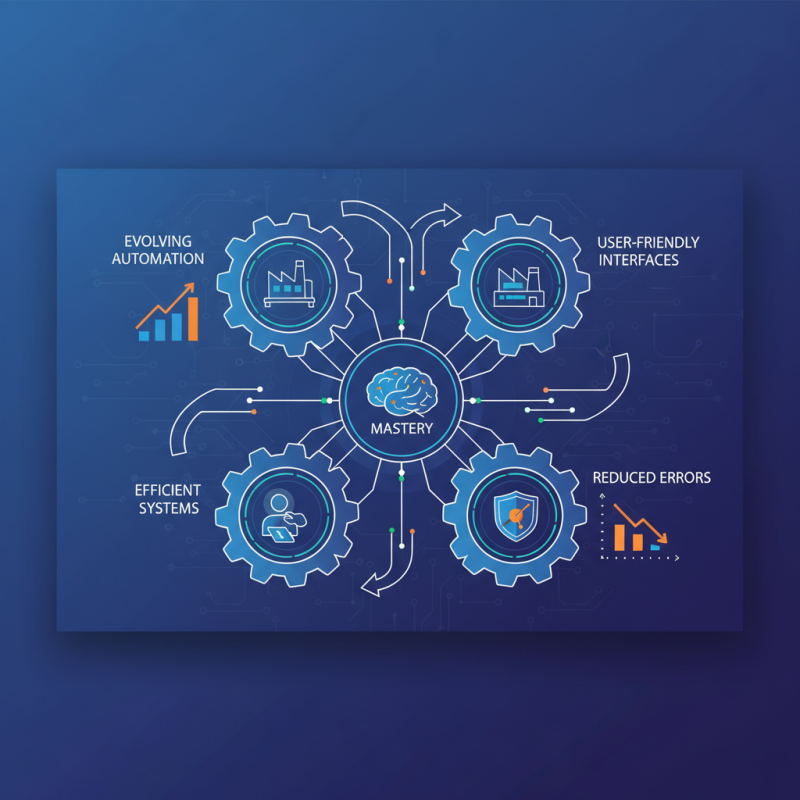
Understanding the Basics of HMI Programming and Automation Systems
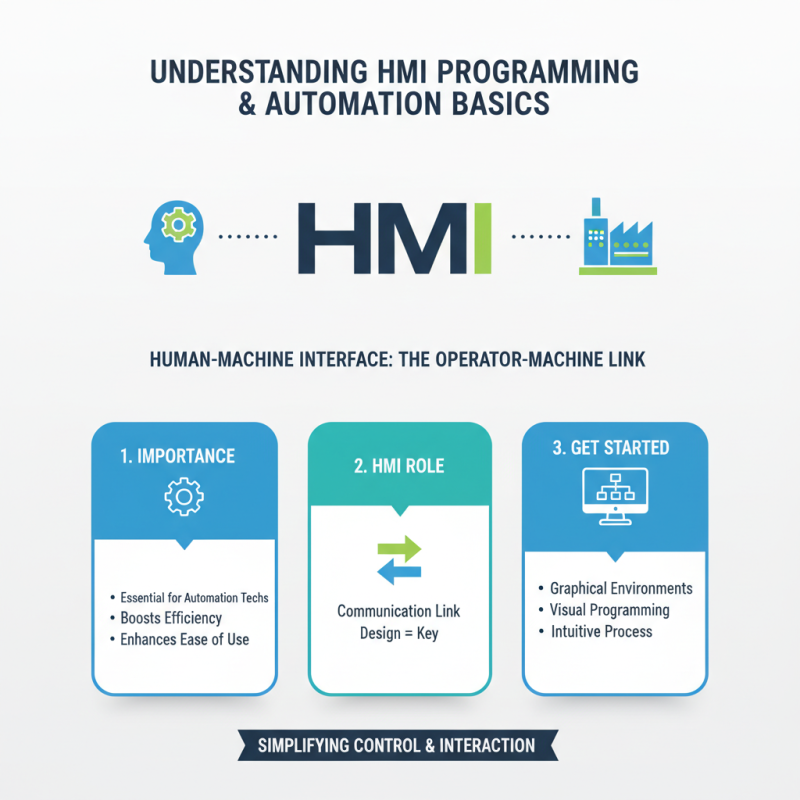
Understanding the basics of HMI programming is essential for any automation technician. HMI, or Human-Machine Interface, serves as the communication link between operators and machinery. Its design and functionality play a vital role in efficiency and ease of use. The initial step involves familiarizing yourself with graphical programming environments. These tools often allow for visual representations, making the programming process more intuitive.
Automation systems rely heavily on effective HMI programming. It bridges the gap between complex machinery and user interaction. Poorly designed interfaces can lead to significant operator errors. For instance, confusing buttons or unclear status indicators can hinder quick responses in critical situations. It is crucial for programmers to prioritize user experience. This might require testing and gathering feedback regularly.
In conclusion, mastering HMI programming demands both technical skill and a keen understanding of user needs. Regular practice and evaluation can help in identifying areas for improvement. Optimization is not a one-time process but requires continuous efforts. As technology evolves, staying updated with the latest practices is equally important.
Key Programming Languages and Tools Used in HMI Development
In HMI development, choosing the right programming languages and tools is crucial. Popular languages include C, C++, and Python. These languages offer flexibility for various HMI applications. C is widely used for its efficiency. It allows for real-time performance. C++ adds object-oriented features, enhancing code organization. Python, on the other hand, is great for rapid development. Its readability facilitates collaboration among developers.
Visualization tools enhance user experience. Software such as Visual Studio and Qt Creator helps in designing appealing interfaces. These platforms support drag-and-drop features for ease of use. However, many developers struggle with proper implementation. It’s common to overlook the importance of usability in HMI design. Incorporating feedback from end-users can deepen understanding of their needs.
Finally, testing is an essential part of the HMI programming process. Tools like MATLAB and LabVIEW help validate functionality. Yet, many programmers often skip extensive testing phases. This can lead to bugs in the final product. Balancing speed and quality is a continuous challenge. Developing expertise takes time and reflection on past projects.
How to Master HMI Programming for Optimal Automation Solutions?
| Programming Language | Usage | Key Features | Common Tools |
|---|---|---|---|
| C# | Widely used for HMI software development. | Object-oriented, integrated with .NET Framework. | Visual Studio, .NET libraries. |
| Python | Used for scripting and automating tasks in HMI. | Simple syntax, extensive libraries. | PyQt, Tkinter. |
| JavaScript | Essential for web-based HMI applications. | Handles asynchronous operations well. | React, Angular, Node.js. |
| C++ | Performance-intensive applications, low-level interactions. | High performance, rich library support. | Qt Creator, Code::Blocks. |
| Ladder Logic | Standard for industrial control programming. | Visual representation of control logic. | RSLogix, Siemens TIA Portal. |
Design Principles for Creating User-Friendly HMI Interfaces
Creating user-friendly HMI (Human-Machine Interface) designs requires a thoughtful approach. The layout is critical. It should guide users intuitively through the interface. Simple visual hierarchies help users find essential functions quickly. Use icons that are clear and easily recognizable. Colors should indicate status, like green for operational and red for warning. Designers must avoid cluttered screens. Too much information can overwhelm users.
Incorporating feedback is vital for improving design. Conduct usability testing with real users. Observe how they interact with the interface. Identify any pain points during the process. It’s important to be open to criticism. Sometimes, the most straightforward features may not work as expected. Iterate on designs based on feedback. Each version of the interface should reflect user insights.
Accessibility is another crucial aspect. Consider various user capabilities. Ensure that fonts are legible, and color contrasts are adequate. Avoid relying solely on colors to convey information. This inclusivity makes the interface usable for everyone. Users appreciate when systems accommodate their needs. A thoughtful design process can lead to effective automation solutions that enhance productivity.
HMI Programming Mastery: User-Friendly Interface Design
Best Practices for Testing and Troubleshooting HMI Software
Testing HMI software effectively requires a structured approach. Begin with unit testing. This focuses on individual components. Spotting issues early saves time later. Make sure to document each test. This record helps in future reference.
Incorporate testing scenarios that mirror real-world use. Simulate user interactions to uncover hidden bugs. Involve end-users in testing. Their insights are invaluable. Consider running a usability test. Participants can provide direct feedback on interface design and functionality.
Troubleshooting is also an art. Diagnosing issues often requires patience. Start with logs and error messages. They can guide you to the heart of the problem. Employ systematic debugging techniques to isolate faults. Don't rush the process. It’s easy to overlook small details that lead to significant problems. Effective troubleshooting can enhance software reliability, ultimately contributing to optimal automation solutions.
Future Trends in HMI Programming and Automation Technologies
As automation technologies evolve, so do the demands for Human-Machine Interface (HMI) programming. The shift towards smarter solutions is evident. Many industries now prioritize user-friendly interfaces that enhance operator interaction. These changes are driven by AI and machine learning. They require programmers to adapt quickly.
Visual representation remains a key focus. Interactive dashboards are becoming commonplace, allowing operators to manage systems efficiently. However, designers face challenges in ensuring clarity without overwhelming users. Balancing functionality and simplicity is crucial. Many programmers struggle with this aspect, often leading to interfaces that lack intuitive navigation. Continuous feedback loops can help improve designs over time.
Emerging trends in HMI programming reveal a push for greater flexibility. The Internet of Things (IoT) is playing a significant role here. Connections among devices are essential for real-time data processing. However, integrating multiple data sources does present its own set of challenges. Programmers must consider security and data integrity to build reliable systems. The future landscape demands not just technical skills, but also a deep understanding of user needs. This balance between technology and user experience will define successful HMI solutions.
Related Posts
-
2026 Top Trends in HMI Programming for Innovative Automation Solutions?
-
2026 Best HMI Programming Tools and Techniques to Explore
-
Top 10 Tips for Effective PLC Programming in Industrial Automation?
-
2026 Top Trends in Electrical Power Distribution Panels What to Expect?
-
Innovative Uses of HMI Panels in Modern Industrial Automation
-

Top 10 Tips to Enhance Motor Power for Optimal Performance