10 Essential Tips for Maximizing Your HMI Panel Performance
In today's rapidly evolving industrial landscape, maximizing the performance of HMI panels is crucial for ensuring operational efficiency and productivity. According to a recent report by Grand View Research, the global Human Machine Interface (HMI) market is expected to reach $7.98 billion by 2025, growing at a CAGR of 10.3%. This growth underscores the increasing reliance on advanced HMI technologies across various sectors, including manufacturing, energy, and transportation. Optimizing HMI panel performance not only enhances user interaction but also significantly reduces downtime and operational costs.
As businesses strive to remain competitive, understanding the key factors that influence HMI panel effectiveness becomes essential. This guide will provide ten essential tips to help organizations leverage their HMI panels to achieve peak performance and drive future success.
Understanding HMI Panel Basics: Key Specifications and Functions
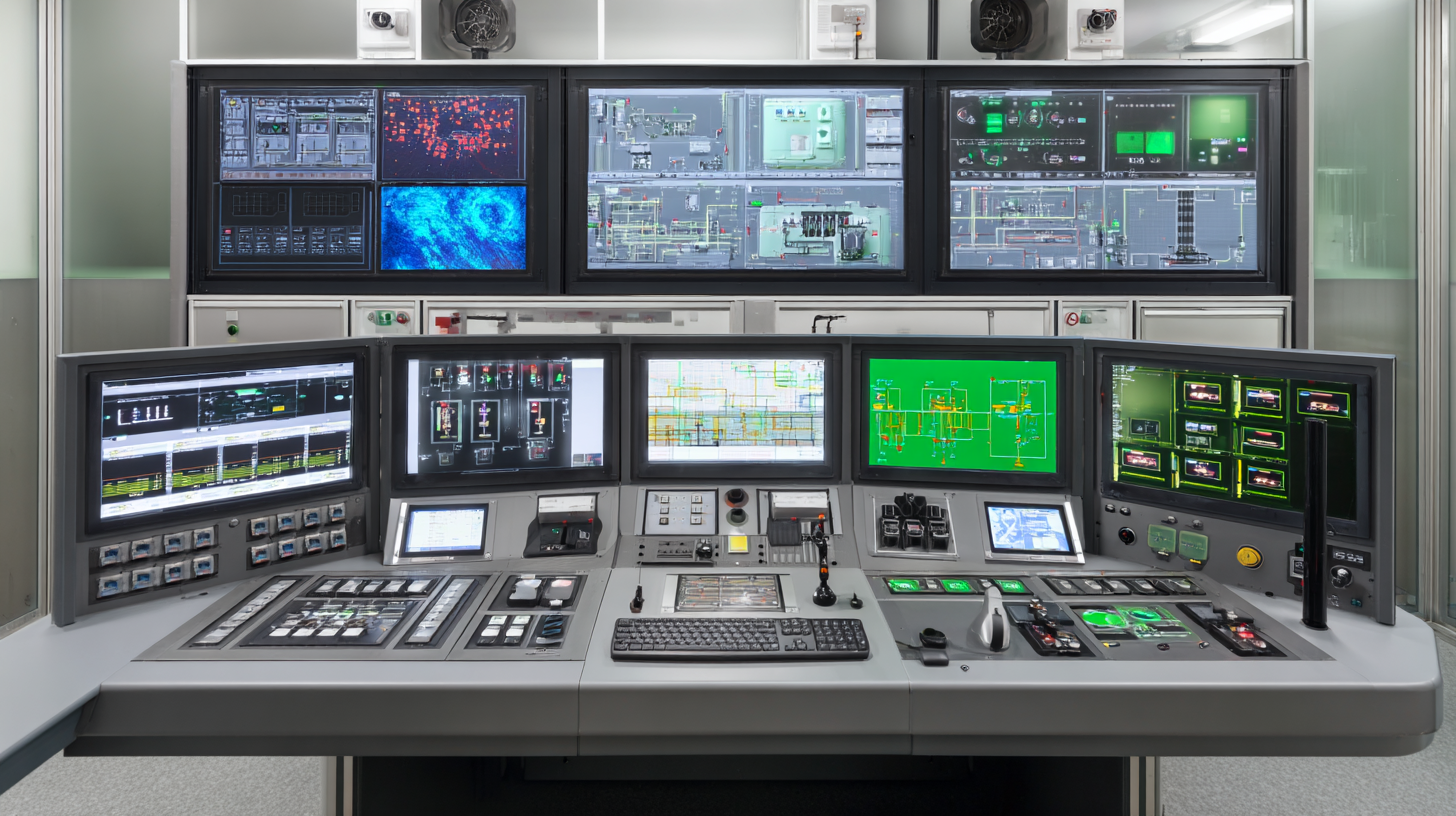
When optimizing the performance of an HMI (Human-Machine Interface) panel, understanding the key specifications and functions is essential. HMI panels serve as the bridge between operators and machines, translating complex data into user-friendly visualizations. Key specifications to consider include screen resolution, touch sensitivity, and processing power. Higher resolutions enable clearer displays and better visibility, while accurate touch sensitivity ensures quick and responsive interactions, contributing to an efficient workflow.
To enhance your HMI panel performance, consider regularly updating software and firmware to benefit from the latest features and security patches. Additionally, utilizing customizable interface design allows operators to prioritize critical information, making it easier to monitor processes in real time. Maintaining a clean and clutter-free interface can significantly reduce the chances of user error, allowing for quicker decision-making under pressure. By focusing on these foundational aspects, users can considerably maximize the effectiveness of their HMI panels.
10 Essential Tips for Maximizing Your HMI Panel Performance
This chart represents the optimal performance factors of HMI panels based on key specifications and functions. The metrics include Response Time, Resolution, Brightness, and Durability, which are essential for ensuring effective operation and user experience.
Optimizing Touchscreen Sensitivity for Enhanced User Interaction
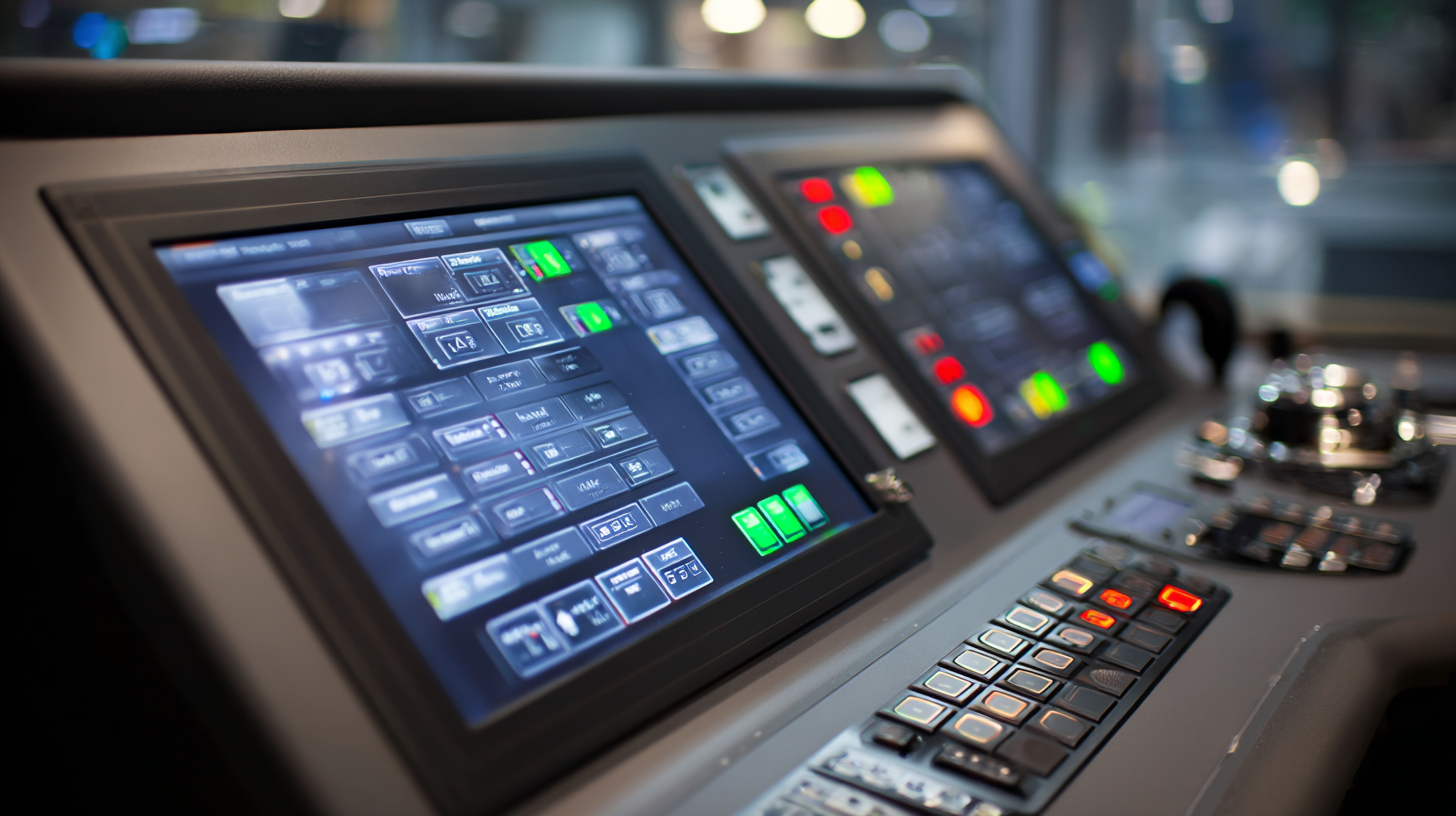
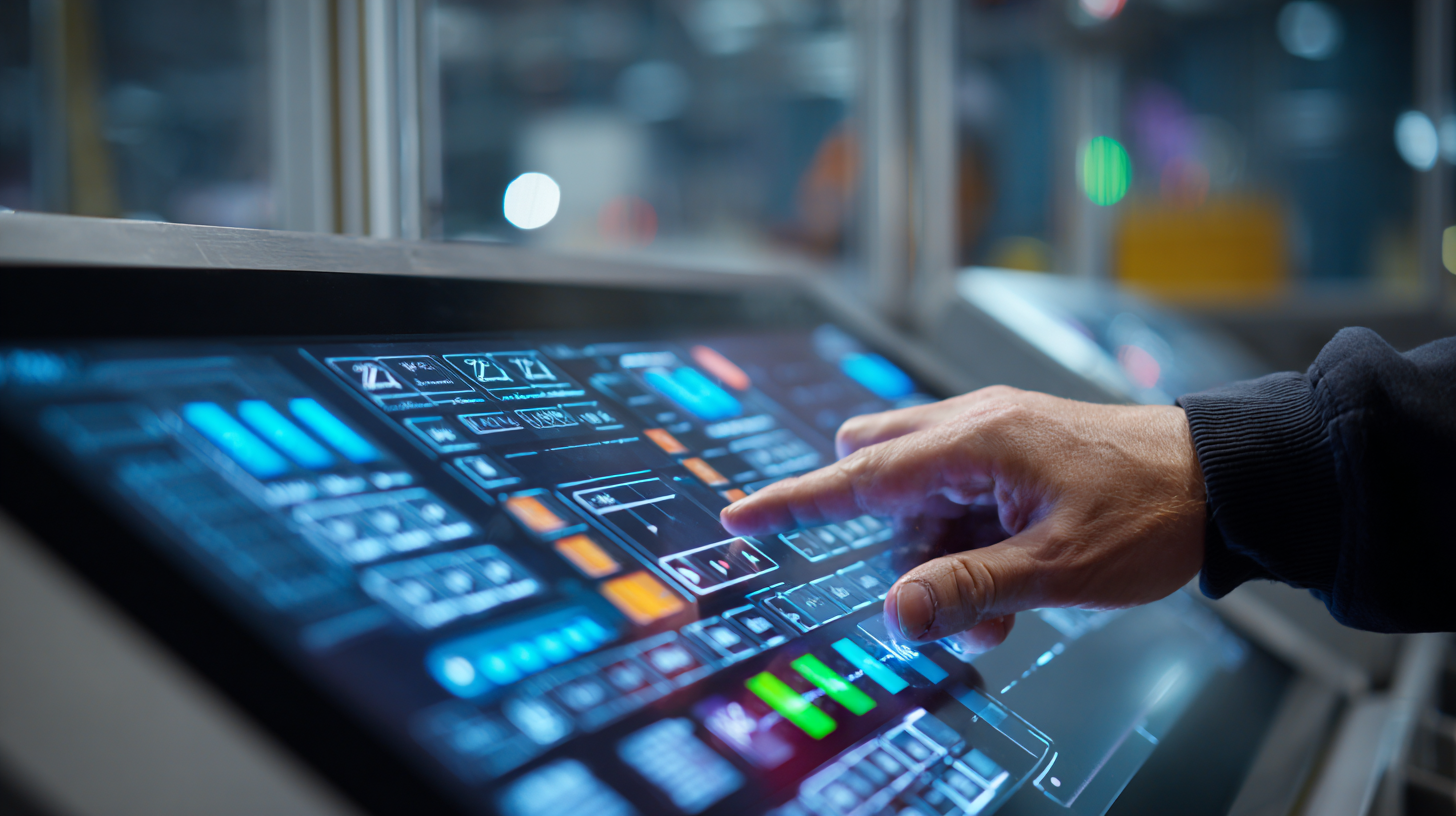
Touchscreen sensitivity is a critical factor in enhancing user interaction with HMI (Human-Machine Interface) panels. To optimize this aspect, several strategies can be employed. First, it’s essential to ensure that the touchscreen is correctly calibrated. Regular calibration can prevent inconsistencies in touch response, allowing users to interact effortlessly with the system. Additionally, environmental factors such as temperature and humidity can affect sensitivity; hence, maintaining optimal conditions can significantly improve performance.
Another important tip is to select appropriate screen protection. While protective films can shield the screen from scratches and damage, they may also impact sensitivity. Choosing a high-quality film designed specifically for touchscreens can preserve the tactile feedback users expect. Furthermore, implementing a feedback system—such as visual or audible cues when a touch is recognized—can enhance the interactive experience, making it more intuitive and engaging for users. Emphasizing these details will not only improve touchscreen performance but also overall user satisfaction in various applications, from interactive kiosks to sophisticated industrial displays.
Implementing Effective Data Visualization Techniques in HMI Design
Effective data visualization techniques are crucial for enhancing HMI (Human-Machine Interface) performance. By prioritizing clear and intuitive design, operators can swiftly understand complex data, which leads to improved decision-making and increased operational efficiency.
One essential tip is to use consistent color schemes and symbols throughout the interface. This consistency helps users quickly identify critical information and reduces the cognitive load, making it easier to spot anomalies or changes in data trends.
Another important aspect is to incorporate real-time data display. By ensuring that your HMI panel reflects the most current data, operators can react promptly to any fluctuations or issues. Avoid overwhelming users with excessive information; instead, focus on displaying key metrics that matter most. Utilizing charts and graphs can also be beneficial, as they transform raw data into a visually digestible format, allowing operators to grasp insights at a glance.
Lastly, consider the placement and size of visual elements on the HMI panel. Prioritize visibility by positioning the most important information in prominent areas. Using larger fonts for alerts and critical measurements can ensure that operators do not miss vital notifications. These thoughtful design choices will lead to a more effective HMI, ultimately maximizing performance and enhancing the overall user experience.
Ensuring Cybersecurity: Best Practices for Protecting HMI Systems
As industrial control systems (ICS) and operational technology (OT) environments continue to evolve, the urgency for robust cybersecurity measures has never been greater. Recent incidents, such as the targeted attack on the Arkansas City water treatment plant, underscore the vulnerabilities inherent in these interconnected systems. In fact, reports indicate a worrying rise in cyber attacks aimed at OT devices, with over 60% of organizations citing human error as a significant contributing factor to security breaches. Hence, fostering a security awareness culture and implementing tight access controls are not just advisable—they are essential for protecting these critical infrastructures.
To effectively manage human behavior in enhancing OT security, organizations must focus on comprehensive training and education for their workforce. Research shows that 95% of cybersecurity breaches are attributed to human behavior, making it imperative to cultivate a culture that prioritizes security awareness. Furthermore, as emphasized by the Cybersecurity and Infrastructure Security Agency (CISA), implementing proactive measures, such as post-quantum cryptography and regular security assessments, can significantly mitigate risks associated with emerging cyber threats. By adopting these best practices, organizations can safeguard their HMI systems and bolster the resilience of their operations against potential cyber incidents.
10 Essential Tips for Maximizing Your HMI Panel Performance - Ensuring Cybersecurity: Best Practices for Protecting HMI Systems
| Tip Number |
Tip |
Description |
Importance Level |
| 1 |
Regular Software Updates |
Keep HMI software up to date to patch vulnerabilities. |
High |
| 2 |
User Access Control |
Limit access to HMI systems based on user roles. |
High |
| 3 |
Data Encryption |
Encrypt sensitive data to prevent unauthorized access. |
Medium |
| 4 |
Regular Backups |
Schedule regular backups to recover from data loss. |
High |
| 5 |
Network Segmentation |
Segment the network to isolate HMI systems from threats. |
High |
| 6 |
Incident Response Plan |
Develop a plan to respond to potential security incidents. |
Medium |
| 7 |
VPN Use |
Use VPNs for secure remote access to HMI systems. |
High |
| 8 |
User Training |
Train users on security best practices for HMI systems. |
Medium |
| 9 |
Firewalls and IDS |
Implement firewalls and intrusion detection systems to monitor traffic. |
High |
| 10 |
Regular Security Audits |
Conduct regular audits to identify and mitigate vulnerabilities. |
High |
Regular Maintenance Strategies to Extend HMI Panel Lifespan
Maintaining your HMI (Human-Machine Interface) panel is crucial to ensuring its longevity and optimal performance. Regular maintenance strategies can significantly enhance the lifespan of your equipment. One of the simplest yet most effective practices is to routinely clean the panel surface. Dust, grease, and fingerprints can accumulate over time, leading to decreased visibility and responsiveness. Use a soft, lint-free cloth and a suitable cleaner to keep the screen spotless and functional.
Another essential strategy is to perform routine software updates. Keeping the firmware up to date not only enhances the panel's performance but also fixes bugs and security vulnerabilities. Regularly check for updates from the manufacturer and apply them as soon as they become available. Additionally, implementing a systematic inspection regimen to check for any signs of wear or damage can prevent larger issues down the line. Addressing potential problems before they escalate ensures a longer, more effective operational life for your HMI panel.