How to Optimize Your HMI Control Panel for Enhanced User Experience
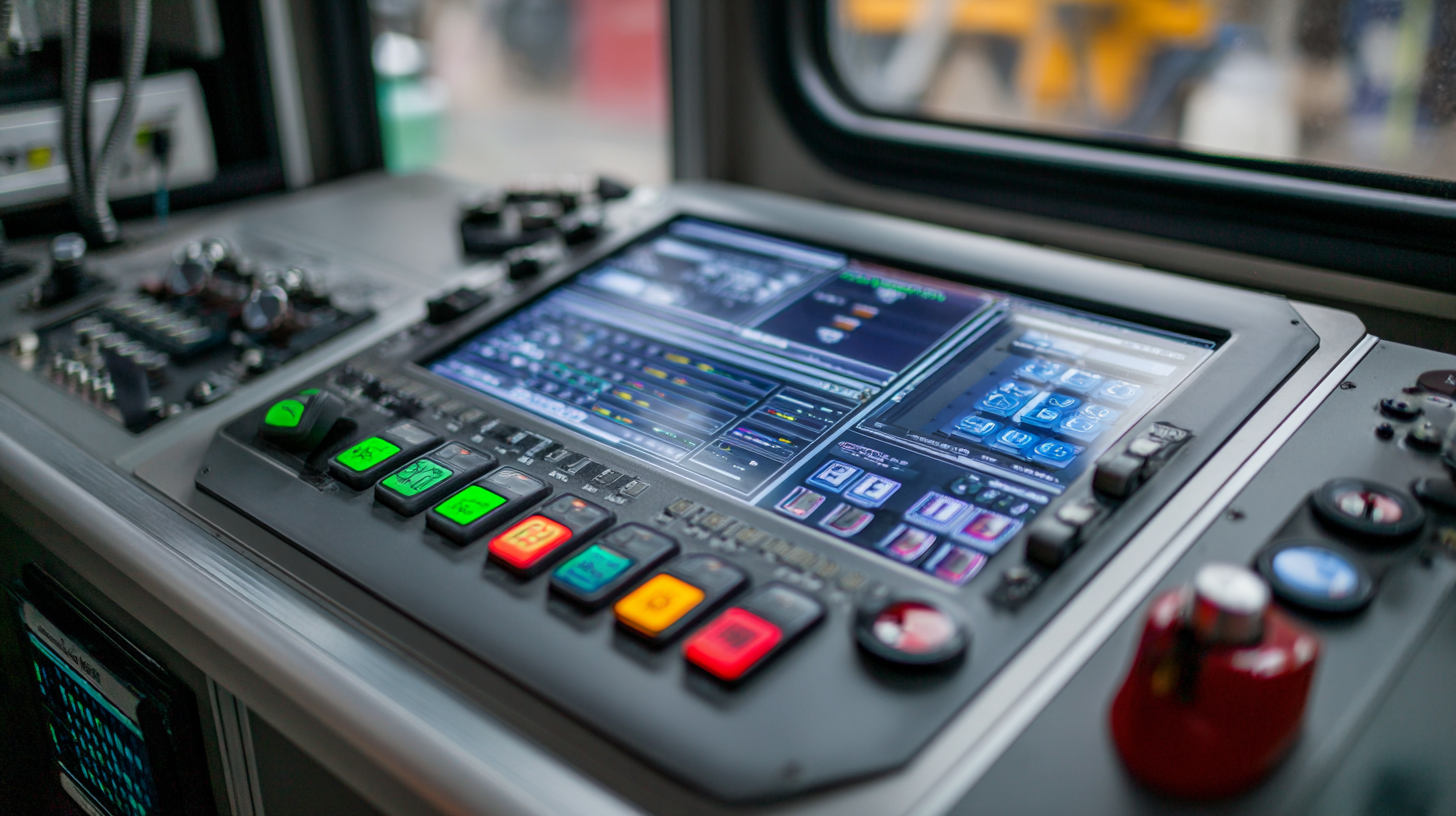
As industries increasingly rely on advanced technology for operational efficiency, optimizing the HMI control panel has become paramount for enhancing user experience in various settings. According to a recent report by the International Society of Automation, 75% of operators believe that improved HMI design significantly boosts productivity and reduces training time. Furthermore, the same report highlights that more intuitive interfaces can lead to a 40% decrease in human error, showcasing the critical role of HMI control panels in ensuring operational safety and effectiveness. In a competitive landscape where usability can directly impact performance, investing in the optimization of HMI control panels is not just beneficial but necessary for businesses aiming to achieve streamlined processes and superior user satisfaction.
Understanding User Needs for Effective HMI Design
When designing Human-Machine Interfaces (HMIs), understanding user needs is paramount for creating an effective control panel. A report from the International Society of Automation highlights that a staggering 70% of users find interfaces overly complex, leading to mistakes and decreased productivity. This complexity often stems from a lack of user-centered design, which fails to consider the specific tasks, preferences, and workflows of the end-users. Therefore, involving users early in the design process through surveys and usability testing can significantly enhance the overall interface experience.
Furthermore, research indicates that intuitive HMI designs can reduce training times by up to 50%, as users are able to navigate the interface more efficiently. Incorporating user feedback allows for adjustments that prioritize essential functions while eliminating unnecessary features, thus streamlining operations. Additionally, utilizing visual hierarchy and consistent terminology aligns the interface with users' mental models, further enhancing usability and satisfaction. By focusing on user needs, businesses can not only improve operational efficiency but also foster a more positive interaction between humans and machines.
Incorporating Intuitive Navigation into HMI Interfaces
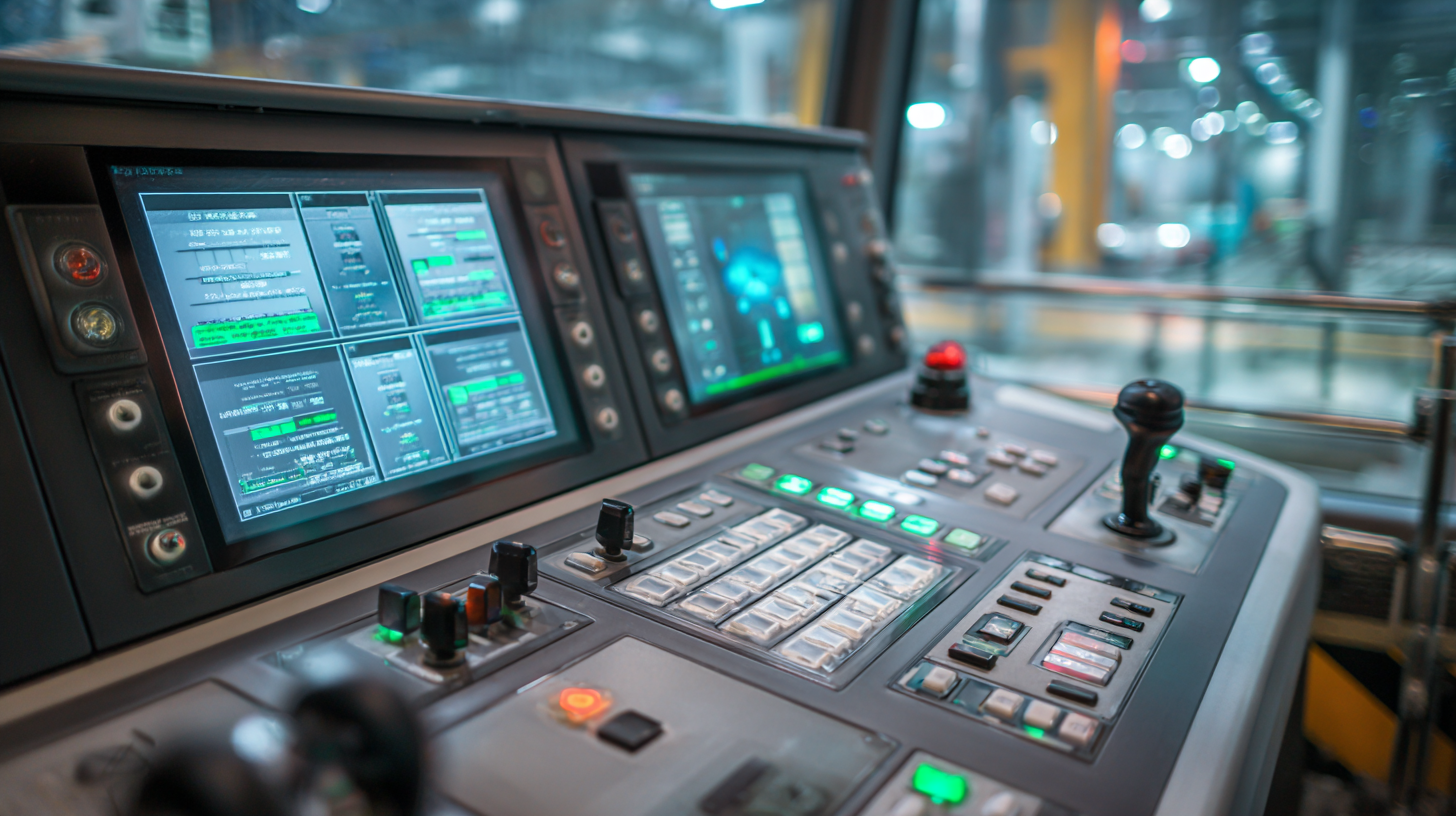 Intuitive navigation is crucial in designing effective Human-Machine Interfaces (HMIs), especially as they evolve into sophisticated systems that enhance user experience. With the rise of smart manufacturing, HMIs are no longer mere control panels; they now integrate intelligent functionalities that streamline operator tasks. An intuitive navigation structure allows users to quickly find the information or controls they need, reducing frustration and improving efficiency.
To achieve this, designers should focus on simplifying layout and ensuring that key functions are easily accessible. Incorporating visual cues and familiar symbols can guide users through complex operational tasks. Additionally, feedback mechanisms, such as alerts or confirmations, can reassure users as they interact with the interface. As seen in the advancement of modern air traffic management solutions, the ability for operators to engage safely and effectively hinges on the clarity and efficiency of the HMI design. Ultimately, optimizing navigation within HMIs will empower users, enabling them to maximize their interaction with advanced technologies while maintaining a seamless experience.
Utilizing Visual Hierarchy to Improve Information Display
Visual hierarchy plays a crucial role in optimizing Human-Machine Interface (HMI) control panels, enhancing the overall user experience. By strategically organizing information and elements based on their importance, users can navigate and interpret data with greater ease. Research indicates that effective visual hierarchy can improve usability by up to 50%, streamlining workflows and reducing cognitive load. For HMI control panels, this means utilizing larger fonts, contrasting colors, and spatial differentiation to guide user attention to critical functionalities.
In designing control panels, adopting principles akin to those used in fintech app development can be beneficial. Understanding user needs and prioritizing key features are essential steps. The incorporation of modular design systems can create a more intuitive interface, enabling users to focus on the most relevant information quickly. Moreover, recent studies have emphasized the significance of color coding and layout in visual search processes, underscoring how these elements can significantly impact user interactions. By applying these strategies within the context of HMI, designers can establish visual trust and ensure an efficient operational experience.
Optimization of HMI Control Panel Usability
This chart illustrates the impact of different visual hierarchy strategies on user performance and satisfaction in HMI control panels. The data reflects survey responses on the effectiveness of these strategies.
Implementing Feedback Mechanisms to Enhance User Interaction
Implementing feedback mechanisms in HMI (Human-Machine Interface) control panels is crucial for enhancing user interaction and overall user experience. One of the most effective ways to gather feedback is through the integration of touch-sensitive displays that provide immediate visual and auditory responses to user inputs. This real-time feedback allows users to feel more engaged with the control panel, as they receive confirmation of their actions, making the interface not only more intuitive but also more satisfying to use.
Additionally, incorporating user surveys and analytics tools can further refine the interaction process. By regularly collecting insights on how users interact with the HMI, designers can identify pain points and streamline operations accordingly. For instance, adaptive interfaces that customize functions based on user preferences can significantly improve usability. By emphasizing these feedback mechanisms, organizations can create a control panel that not only meets operational requirements but also fosters a sense of satisfaction and efficiency in the users’ experience. This approach ultimately translates into better productivity and reduced errors in industrial settings.
Testing and Iterating Your HMI for Continuous Improvement
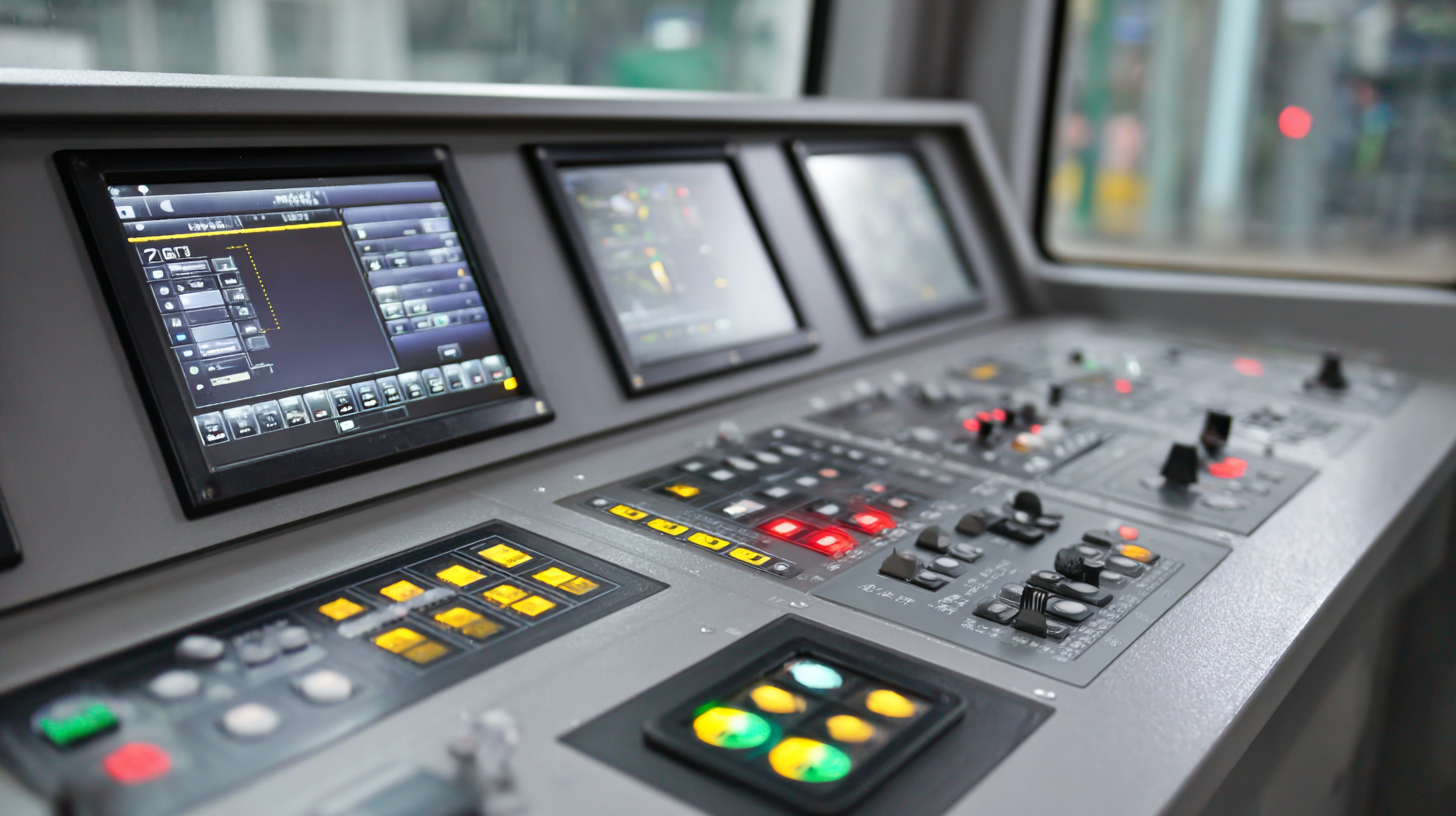
Testing and iterating your Human-Machine Interface (HMI) is essential for achieving continuous improvement and enhancing user experience. Begin by conducting usability testing with real users to identify pain points and areas where the interface may complicate tasks. Utilize both quantitative and qualitative feedback to gauge the effectiveness of the current design elements. Implementing tools such as heat maps can help visualize user interactions, revealing which features are most engaging or are easily overlooked.
Tip: Always maintain an iterative mindset. Regularly revisiting your HMI design can uncover opportunities to streamline workflows and improve functionality. Encourage feedback loops with users, allowing them to express their insights and suggest improvements based on their experience.
Incorporating these insights into early stages of development can set a solid foundation for a well-functioning HMI. Prioritize features that enhance user satisfaction and efficiency, while also keeping in mind changes in user behavior or industry standards. Continuous iteration not only refines the interface but also keeps it relevant in a fast-evolving technology landscape.
Tip: Create a structured schedule for regular updates and usability testing. This proactive approach ensures that your HMI evolves in line with user needs and technological advancements, leading to more robust and user-friendly interactions.
How to Optimize Your HMI Control Panel for Enhanced User Experience - Testing and Iterating Your HMI for Continuous Improvement
| Evaluation Criteria |
Initial Score (1-10) |
Post-Iteration Score (1-10) |
Improvement (%) |
User Feedback |
| Ease of Use |
6 |
9 |
50% |
Users found the layout intuitive. |
| Response Time |
7 |
8 |
14% |
Slight delay observed in feedback. |
| Visual Clarity |
5 |
10 |
100% |
Colors and icons were improved significantly. |
| Accessibility |
4 |
7 |
75% |
Additional features for diverse users added. |
| Overall Satisfaction |
6 |
9 |
50% |
Major improvement noted from previous version. |