
Top 10 PLC Controller Programming Tips You Should Know?
In the world of automation, PLC controller programming stands as a critical skill. Many engineers grapple with its complexities. Learning effective techniques can significantly enhance your programming skills.
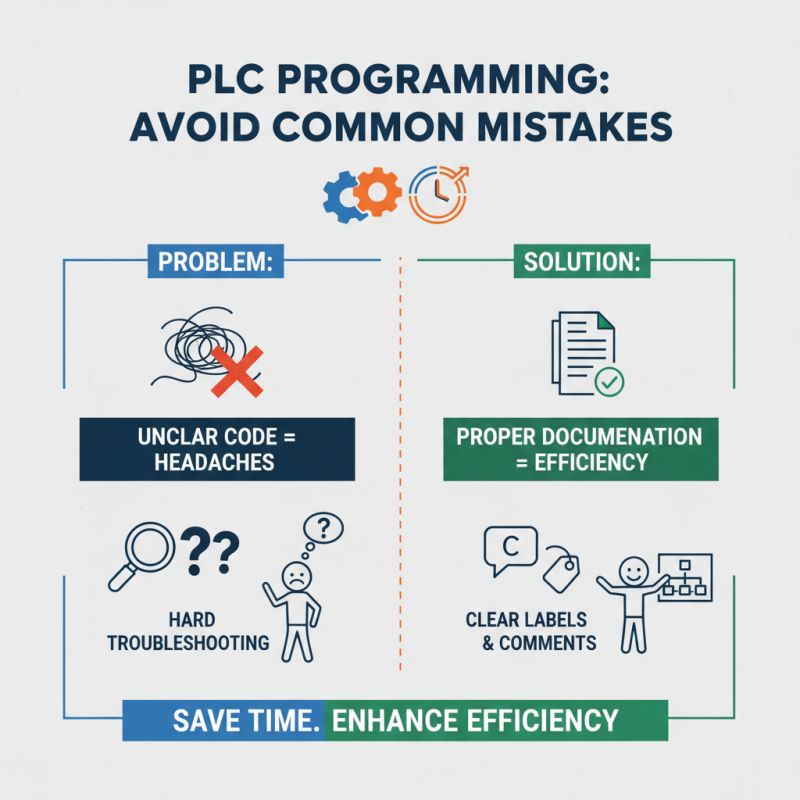
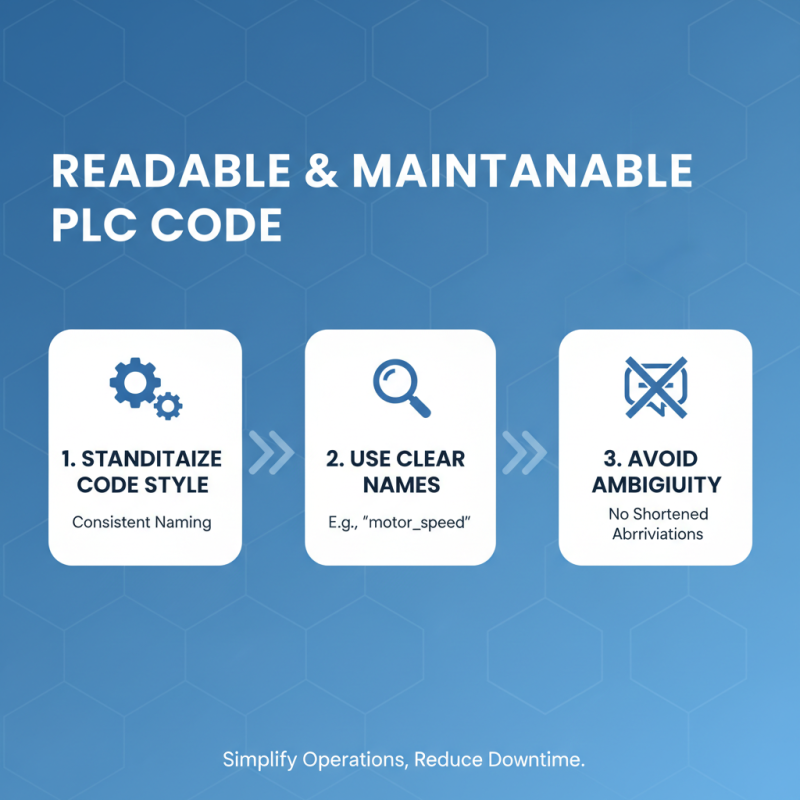
Good programming practices can streamline processes. For instance, using clear naming conventions improves code readability. Efficient coding reduces errors and saves time during troubleshooting. However, beginners often make common mistakes, like neglecting documentation. This can lead to confusion later.
Moreover, understanding logic fundamentals is a must. Basic principles underpin advanced functions. Yet, many fail to grasp these essentials at first. Emphasizing simulation, testing, and revision is key. A great programmer constantly seeks improvement and adapts to challenges in PLC controller programming.

Understanding PLC Controllers and Their Importance in Automation
Programmable Logic Controllers (PLCs) play a vital role in modern automation. They are essential for controlling machinery and processes in various industries. PLCs ensure that operations run smoothly, efficiently, and safely. Automation reduces human error. It allows for precise control over complex systems. This precision leads to increased productivity and reduced downtime.
Understanding PLCs requires a grasp of their functionality. They process inputs from sensors and make decisions based on pre-set logic. Outputs trigger machinery or systems to respond accordingly. This real-time reaction is critical in environments like manufacturing and assembly lines. However, programming PLCs can be challenging. Mistakes in code can halt production. Testing and debugging are crucial steps in the process.
The importance of PLCs in automation cannot be overstated. They bring a level of reliability and control that is hard to match. Yet, as with any technology, there are learning curves. Programmers must be patient and persistent. Projects may not always go as planned. Reflecting on past experiences can foster better programming practices. Embrace the journey of learning and grow with each challenge faced.
Top 10 PLC Controller Programming Tips You Should Know
| Tip Number | Programming Tip | Description | Importance |
|---|---|---|---|
| 1 | Understand the Basics | Familiarize yourself with PLC fundamentals to build a strong foundation. | High |
| 2 | Use Clear Naming Conventions | Name your variables and functions clearly for better readability. | Medium |
| 3 | Comment Your Code | Add comments to your code for future reference and team collaboration. | High |
| 4 | Keep It Simple | Avoid complex solutions when a simpler one will suffice. | High |
| 5 | Test Incrementally | Test your code in small increments to isolate errors early. | High |
| 6 | Utilize Simulation Tools | Use simulation software to visualize PLC operation before deployment. | Medium |
| 7 | Document Your Projects | Maintain thorough documentation for future reference. | High |
| 8 | Learn from Others | Engage with the community to learn best practices and solutions. | Medium |
| 9 | Regularly Update Skills | Keep up to date with new technologies and programming languages. | High |
| 10 | Backup Your Code | Always create backups to prevent loss of work. | Critical |
Related Posts
-

How to Master PLC Controller Programming for Industrial Automation
-
Essential Guide to Mastering PLC Controller Programming Techniques
-

The Future of Control Solutions: Transforming Industry Standards with Smart Technology Integration
-
Exploring the Evolution of Control Panels: Industry Insights and Future Trends in Automation Technology
-

The Rise of Control Cubicles in Modern Workspaces Enhancing Productivity and Employee Satisfaction
-

Enhancing Industrial Efficiency: The Future of PLC Control Systems in Smart Manufacturing
